
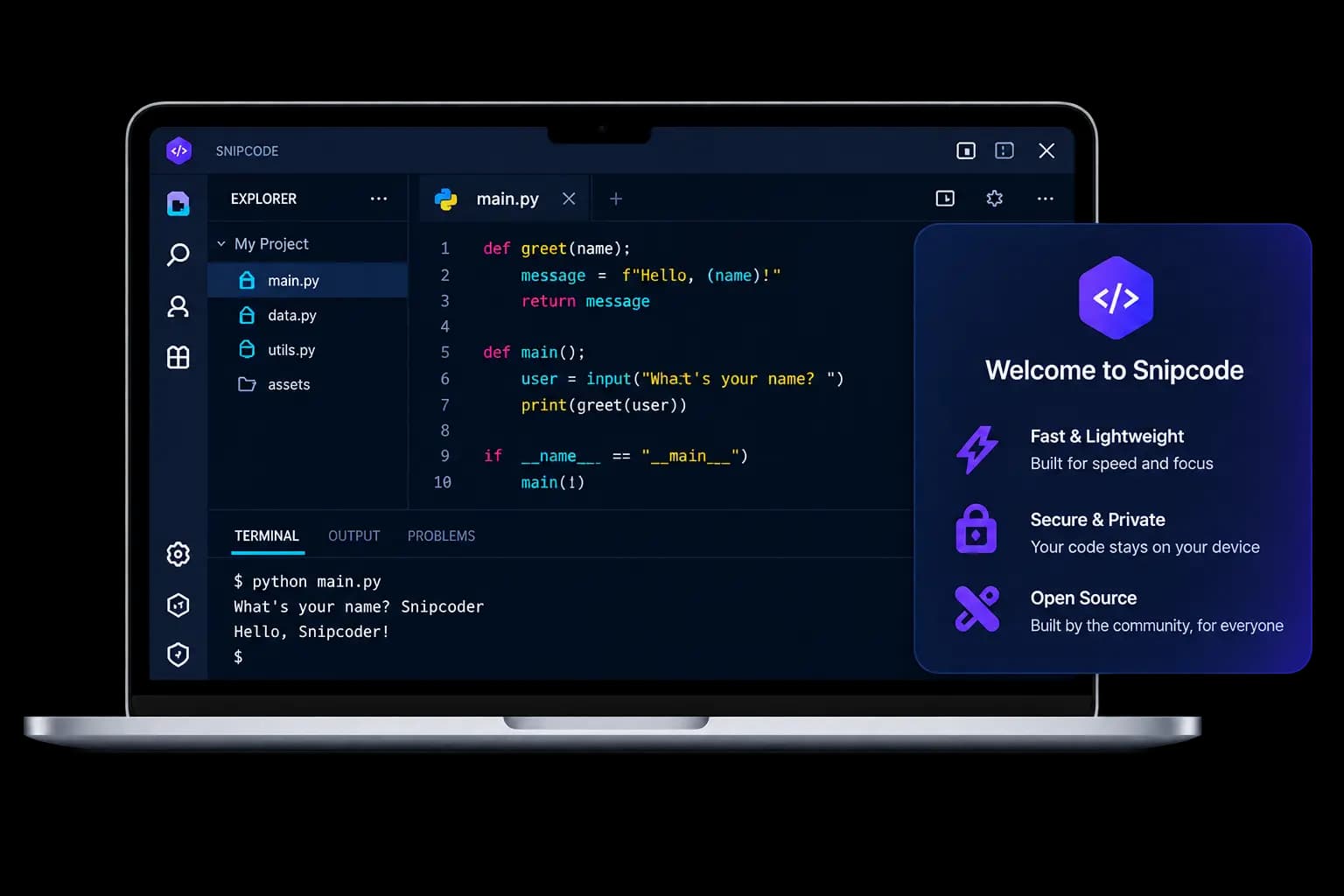
Coming in Autumn 2026

Your region: United States

Our team is working to make the Snipcode desktop app available in your region.

The desktop version will support Windows, macOS, Linux, and ChromeOS and will be available through the Microsoft Store, Mac App Store, and other supported distribution channels.

One IDE.
Every platform.

Snipcode works on Windows, macOS, Linux, and ChromeOS. Code anywhere, on any device.

Windows
macOS
Linux
ChromeOS

Download Snipcode for your platform

Windows

Windows 10 or later (64-bit)

Coming later in 2026

macOS

macOS 11.0 or later (Intel & Apple Silicon)

Coming later in 2026

Linux

Ubuntu, Debian, Fedora, Arch and more

Coming later in 2026

ChromeOS

Chromebooks with Linux enabled

Coming later in 2026

Private by defaultYour code stays on your device.
Works offlineWrite and run with the network off.
Updates you trustEvery update is checked before it runs.
Built for educationDesigned to help you learn and teach.

What’s new

Built in the open, newest first, so you can see what is being made while the desktop release works its way to you.

  1. 5.18.0

    Latest
    • NewThis list. Every release is now written down where anyone can read it, and the update prompt inside the app shows the same words rather than none.
  2. 5.17.0

    • NewThe editor can be split in two, side by side or one above the other, so the task and the file you are writing are both on screen. Ctrl+\ splits to the right, Ctrl+Shift+\ downwards, and the View menu puts them back together.
  3. 5.16.0

    • FixedA new file in the browser editor was indented by two spaces while the desktop app used four, so the same exercise came out differently depending on where it was opened. Both now use four, which is what the exercises themselves are written in. In Python that is not a matter of taste: a file mixing the two stops running.
  4. 5.15.0

    • NewA settings screen. What version you are running, whether it is current, which compilers were found on the computer, and the editor's own preferences — text size, indent width, word wrap, and what autocomplete offers.
    • NewAutocomplete can be turned on and off one source at a time: ready-made blocks, what your installed libraries actually offer, and words already in the file. It also says which engine answered, which is the difference between suggestions that match your Python and suggestions that do not.
    • FixedRunning a program no longer throws up black console windows in front of the editor.
    • BetterStarting up is one step. The window used to appear empty, redraw itself, and jump to another size before settling; it now opens once, already showing the editor.
    • BetterThe installer names its publisher, shows the terms of use, and carries the Snipcode artwork instead of a blank default.
  5. 5.14.0

    • NewTeachers can see how many copies of the desktop app are installed, how many have been used recently, and how many are on the newest version — so a fix can be seen to reach the classroom. Each copy reports a random identifier, its version and the operating system, and nothing that identifies a person.
  6. 5.13.0

    • BetterThe website and the desktop app now carry the same version number, so the one in Help ▸ About is the one on the site you signed in from.
  7. 5.12.2342

    • NewThe first desktop release. The editor, your assignments and your work, all available without a connection, running code with the Python or Java already installed on the computer.

You do not have to wait

The editor, the exercises and the marking all run in the browser today. The desktop version adds working offline and using your own files.